Difference between revisions of "Axis P3275-LV"
IVSWikiBlue (talk | contribs) (Created page with "{{Article - Manual | content = {{Flexbox | left = <h1 style="text-align:left">Axis P3275-LV</h1> <div style="border:solid 1px #dddddd;max-width:260px;min-width:fit-content;p...") |
IVSWikiBlue (talk | contribs) |
||
| (One intermediate revision by the same user not shown) | |||
| Line 30: | Line 30: | ||
</div> | </div> | ||
| right = | | right = | ||
| − | {{img - resize | file = Axis 3275.webp | width = | + | {{img - resize | file = Axis 3275.webp | width = 350px}} |
}} | }} | ||
{{hr}} | {{hr}} | ||
| Line 36: | Line 36: | ||
{{Flexbox | left = | {{Flexbox | left = | ||
{{Manual lvl 2 | title = Removing the Dome | content = | {{Manual lvl 2 | title = Removing the Dome | content = | ||
| − | + | 1. To remove the dome, you will need a <b>TR20</b> screwdriver. | |
| − | + | {{hr - 2}} | |
| − | + | 2. Loosen the 4 screws in the dome and the remove the dome.}} | |
{{Aside - Helpful | content = [https://www.axis.com/dam/public/15/75/39/installation-guide-axis-p3275-77-78-lvpdf-en-US-517567.pdf installation guide] can be found here.}} | {{Aside - Helpful | content = [https://www.axis.com/dam/public/15/75/39/installation-guide-axis-p3275-77-78-lvpdf-en-US-517567.pdf installation guide] can be found here.}} | ||
Latest revision as of 09:16, 13 April 2026
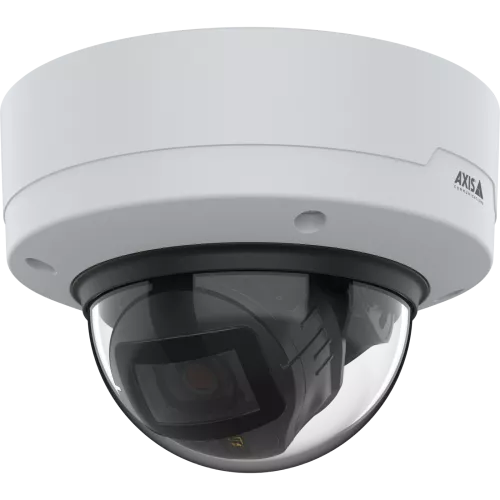
Axis P3275-LV
- Max Resolution
- 1920x1080
- FOV
- H: 100°–32°
V: 52°–18°
- PoE
- Class 3
- Max Power Draw
- 10 W
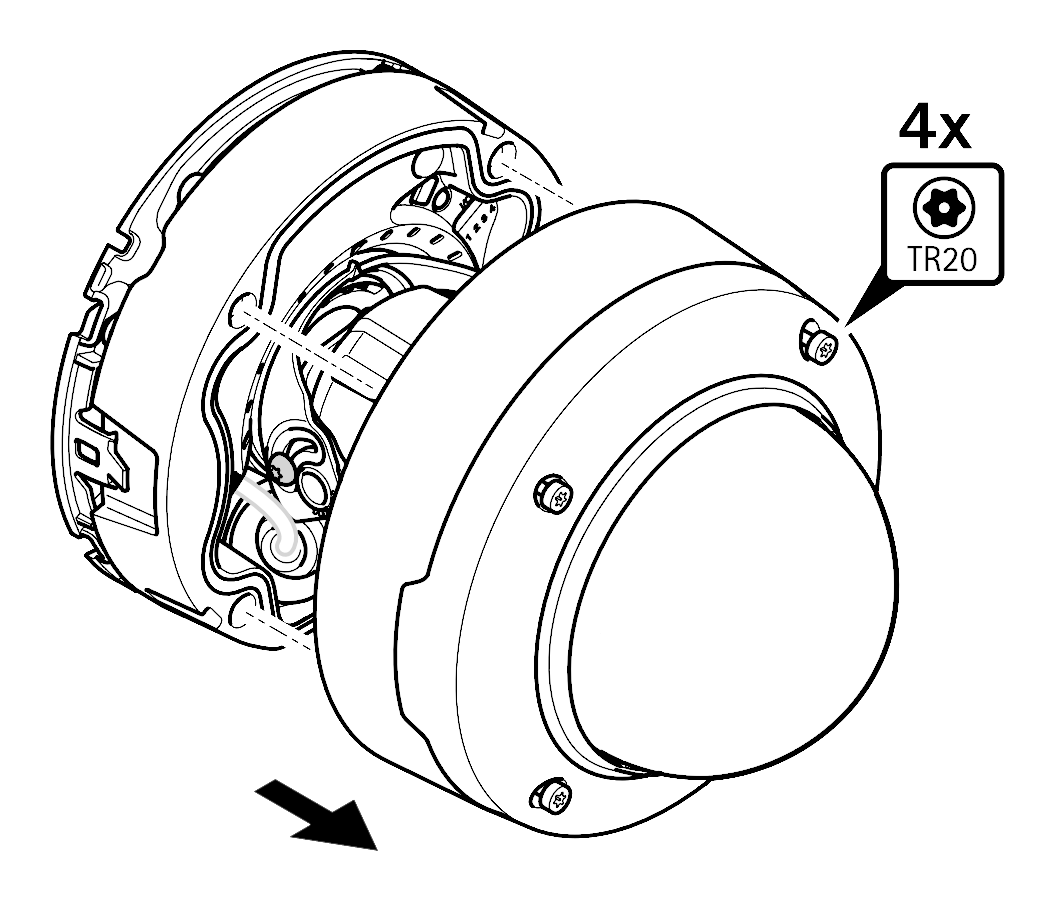
Removing the Dome
1. To remove the dome, you will need a TR20 screwdriver.
2. Loosen the 4 screws in the dome and the remove the dome.
🕮
installation guide can be found here.
Technical Resources
