VALT Privacy Button
Revision as of 11:08, 26 March 2026 by IVSWikiBlue (talk | contribs)
Introduction
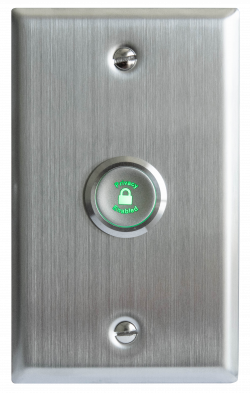
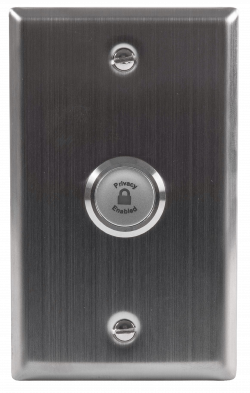
The VALT Privacy Button is a physical button that can be installed inside of a room that has cameras connected to VALT. This button allows a user to put a mask over the video and mute the audio, at the camera level. To enable and disable this privacy mode, a user must toggle the button.
 |
 |
Technical Specifications
| Technical Specifications | |
|---|---|
| Installation hole diameter: | 22MM |
| Head shape: | P-flat head |
| Contact type: | 1NO |
| Operation type: | Z-self-locking (Latching) |
| LED voltage: | 12V-DC12V, 24V-DC24V, custom: 5V-DC5V |
| Shell material: | S-stainless steel |
| Protection level: | Waterproof IP65 (IP68 customizable; button surface will not work if water is present), anti-collision IK10 |
| Resistive load: | AC-12:220V:2A DC-13:12V/24V:2A |
| Inductive load: | AC-12:110V/220V:0.3A DC-13:12V/24V:0.3A |
| Contact resistance: | <50mΩ |
| LED rated current: | <24V,<20mA; >24V,<10mA |
| LED life: | >50000h |
| Product certified: | CCC, CE, ROHS (customized), REACH (customized) |
Physical Connections
Wiring
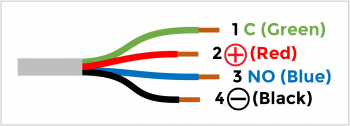
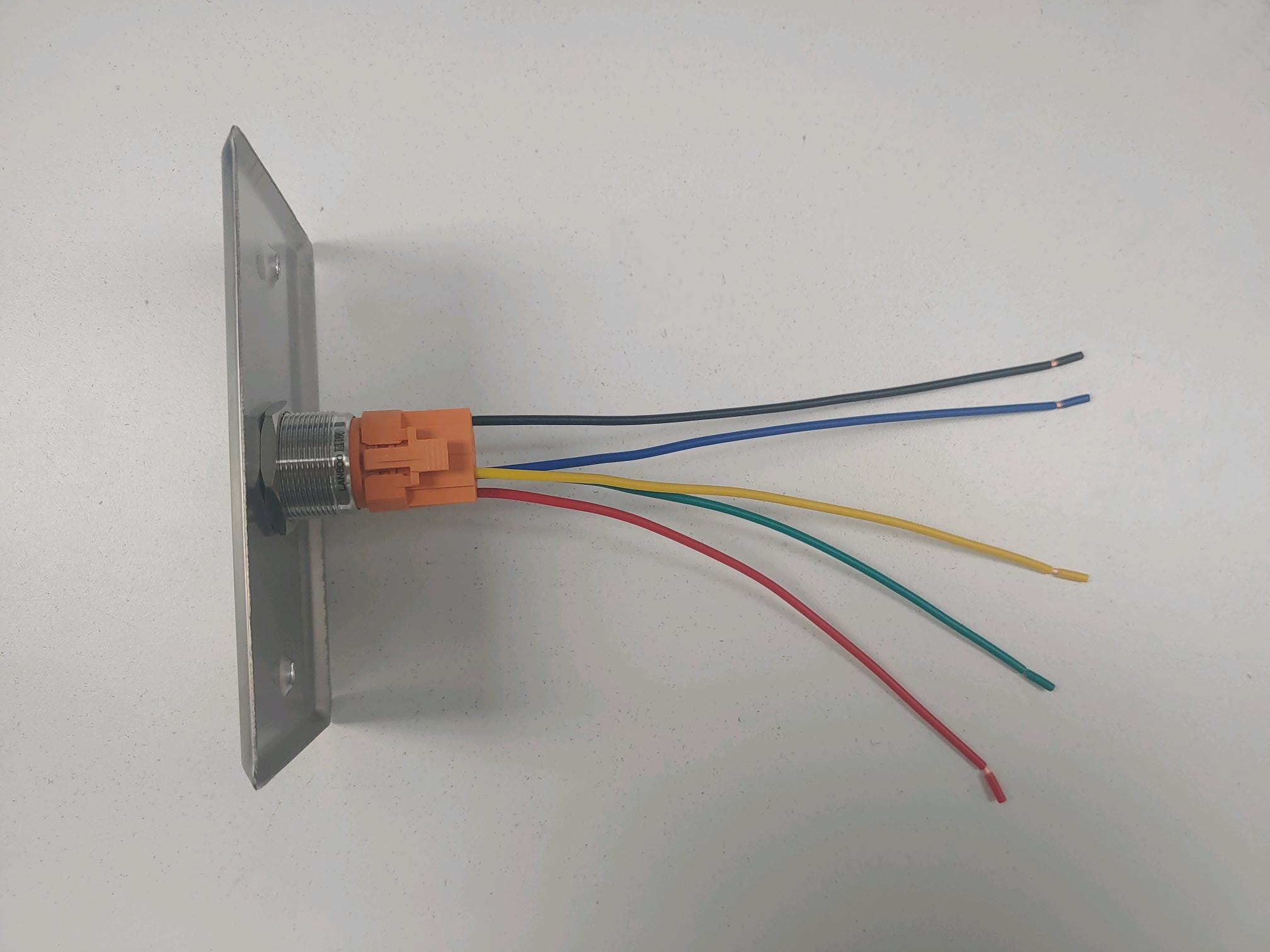
Between the cameras and the privacy button, there are two different cables. The first cable related to this is the one attached to the the physical button.
The physical button wires will look like this:
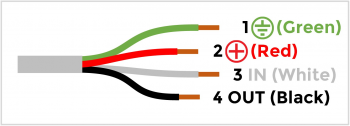
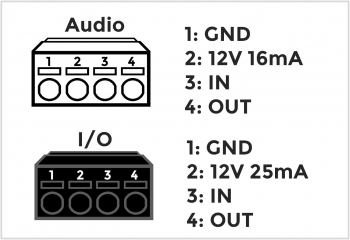
The second cable connection is the cable that will plug directly into the camera.
Axis IO Blocks
Of the supported cameras that IVS uses, many of the devices use I/O blocks to connect audio, power, and VALT accessories.