VALT 6 Getting Started
Revision as of 12:17, 23 June 2022 by IVSWikiBlue (talk | contribs)
Supported Desktop Browsers
VALT uses HTML5 for all video controls. No 3rd party software or plug-ins are required to run VALT. Virtually any modern browser should be compatible with VALT however we only test compatibility with the browsers listed below.
Desktop Browsers
| Icon | Browser | Tested Version | Compatibility Score | Compatibility Notes |
|---|---|---|---|---|
 |
Chrome | Latest Available | 5 |
|
 |
Edge | Latest Available | 5 |
|
 |
Firefox | Latest Available | 4 |
|
 |
Safari | Latest Available | 2 |
|
Mobile Browsers
| Icon | Browser | Tested Version | Compatibility Score | Compatibility Notes |
|---|---|---|---|---|
|
Chrome | Latest Available | 5 |
|
|
Safari | Latest Available | 2 |
|
Login Page
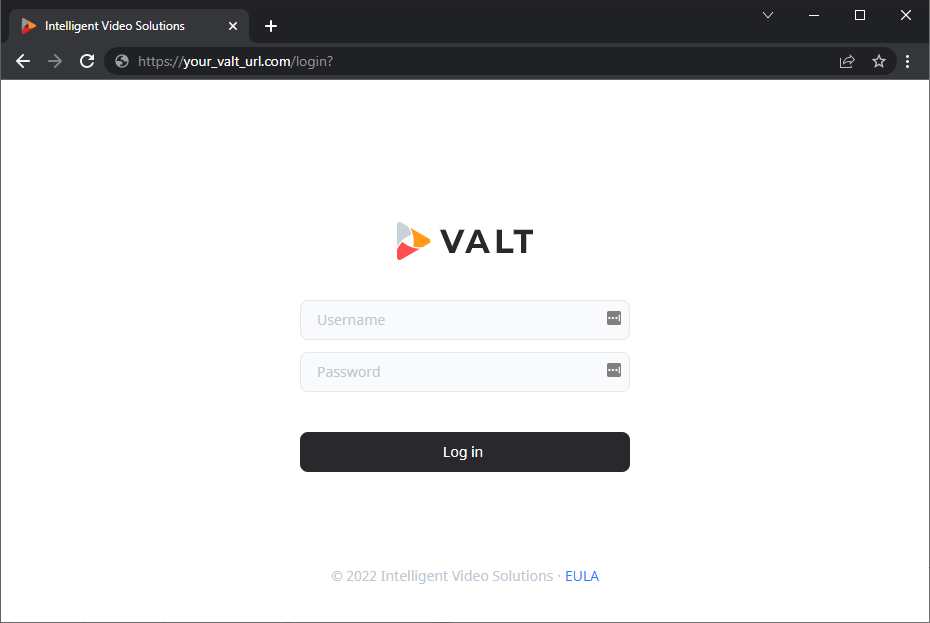
To access VALT, simply open a web browser and point to the URL of the VALT server.
✎
Your VALT URL will be unique to your organization. If you do not know your VALT web address, please contact your local VALT admin.
Below is an example of the VALT 6 login screen.