Difference between revisions of "IVS HDMI Encoder"
IVSWikiBlue (talk | contribs) |
IVSWikiBlue (talk | contribs) |
||
| Line 1: | Line 1: | ||
{{Article - Manual | content = | {{Article - Manual | content = | ||
| − | {{ | + | {{Float | content = {{img - resize | file = VLTENC Encoder-4.png | width = 350px}} }} |
| − | | | ||
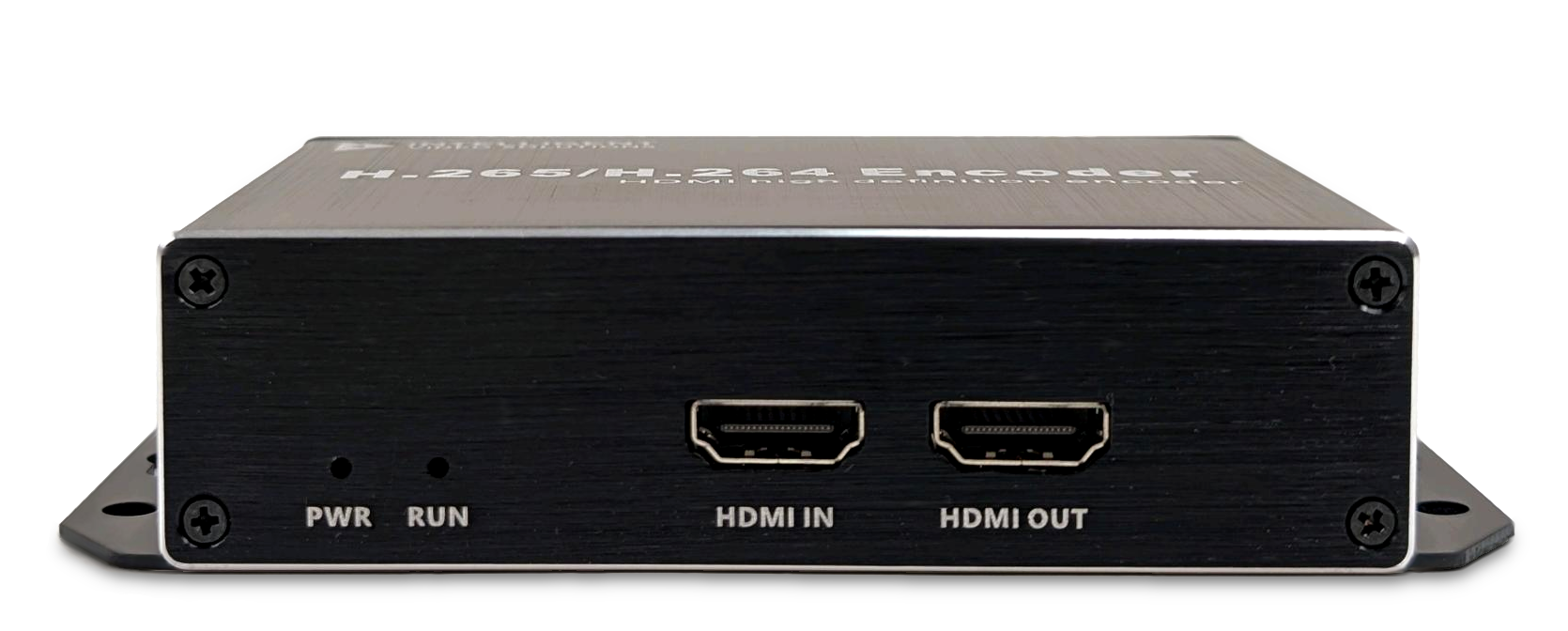
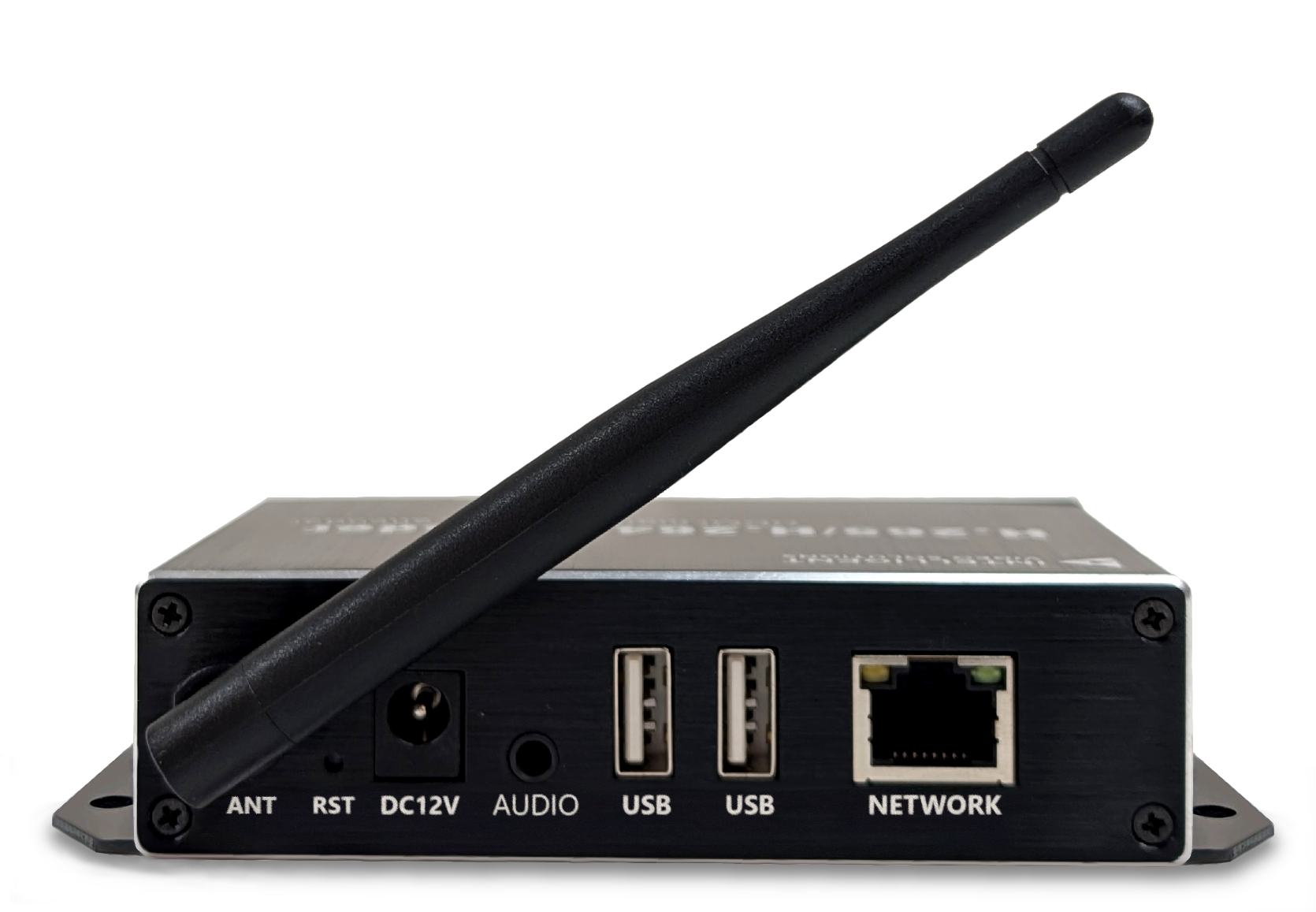
The <b>IVS HDMI Encoder</b> allows users to capture video output and display it within the VALT application. | The <b>IVS HDMI Encoder</b> allows users to capture video output and display it within the VALT application. | ||
| − | {{hr | + | <table style="vertical-align: bottom;"> |
| + | <tr> | ||
| + | <td style="vertical-align: bottom;>{{img - resize | widht = 300px | file = IVS HDMI Encoder Front.png}}</td> | ||
| + | <td style="vertical-align: bottom;>{{img - resize | file = IVS HDMI Encoder Back2.png}}</td> | ||
| + | </tr> | ||
| + | </table> | ||
| + | |||
| + | {{hr}} | ||
* [[VALT HDMI Data Sheet | Data Sheet]] | * [[VALT HDMI Data Sheet | Data Sheet]] | ||
| Line 10: | Line 16: | ||
* [[VALT Devices - Compare#Encoders | VALT Devices - Encoders]] | * [[VALT Devices - Compare#Encoders | VALT Devices - Encoders]] | ||
| − | |||
| − | |||
| − | |||
| − | |||
| − | |||
| − | |||
| − | |||
| − | |||
| − | |||
}} | }} | ||
Revision as of 15:25, 27 April 2026
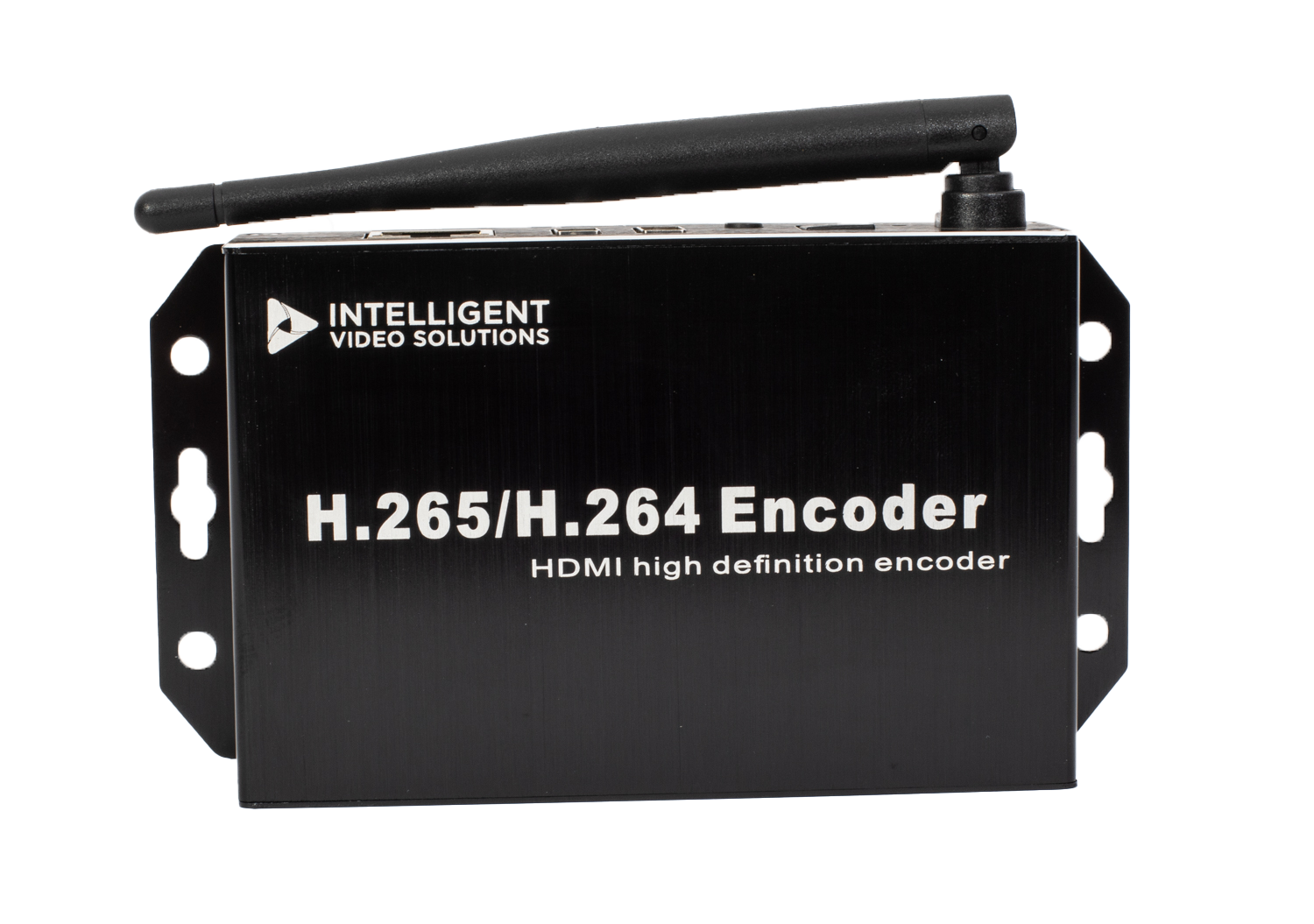
The IVS HDMI Encoder allows users to capture video output and display it within the VALT application.
|
|